Exploring Text
When you’re writing, you shouldn’t have to stop and chat with an agent. Chatting breaks the flow. An interface that thinks should look ahead and help you finish the thought you’re already having. Gmail’s Smart Compose already does this for email, but it only offers a single suggestion. I wanted something closer to a thought partner.
- Tab through ideas. Keep pressing Tab to cycle through different suggestions. A few small dots show that there’s more than one.
- Suggest whole paragraphs. Instead of just the next line, it offers a new paragraph in a few different tones. (I’m not sure I like this one yet. It’s a bit distracting.)
- No chat window. Everything happens right where you’re typing.
The second idea is to treat text like something you can grab, using interactions we’ve already learned from images and files. What I like about these is how subtle they are. Once you get used to them, it feels like text should have always worked this way.
- Drag to resize. Highlight text, then drag the handle to make it longer or shorter.
- Drop to combine. Drag a sentence onto another one, and the two become a single idea.
- Double-click to rephrase. Highlight a word and double-click it to swap in another, like flipping through a thesaurus. It’s my favorite, even though it’s almost invisible.
Do any of these work? I don’t know. Try it yourself.
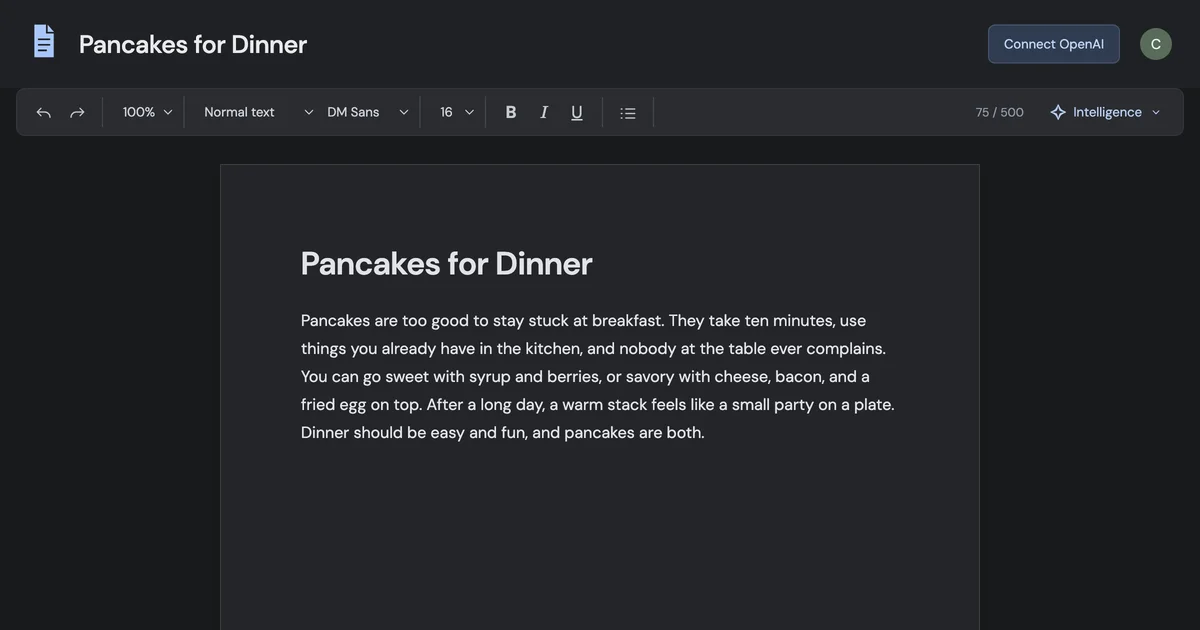 Text and Autocomplete ↗
Try the prototype in your browser. It runs on your own OpenAI API key.
tareqistyping.com/prototypes/text-and-autocomplete/
Text and Autocomplete ↗
Try the prototype in your browser. It runs on your own OpenAI API key.
tareqistyping.com/prototypes/text-and-autocomplete/It’s open source on GitHub, so you can add to it, adjust the settings, and see what feels right.